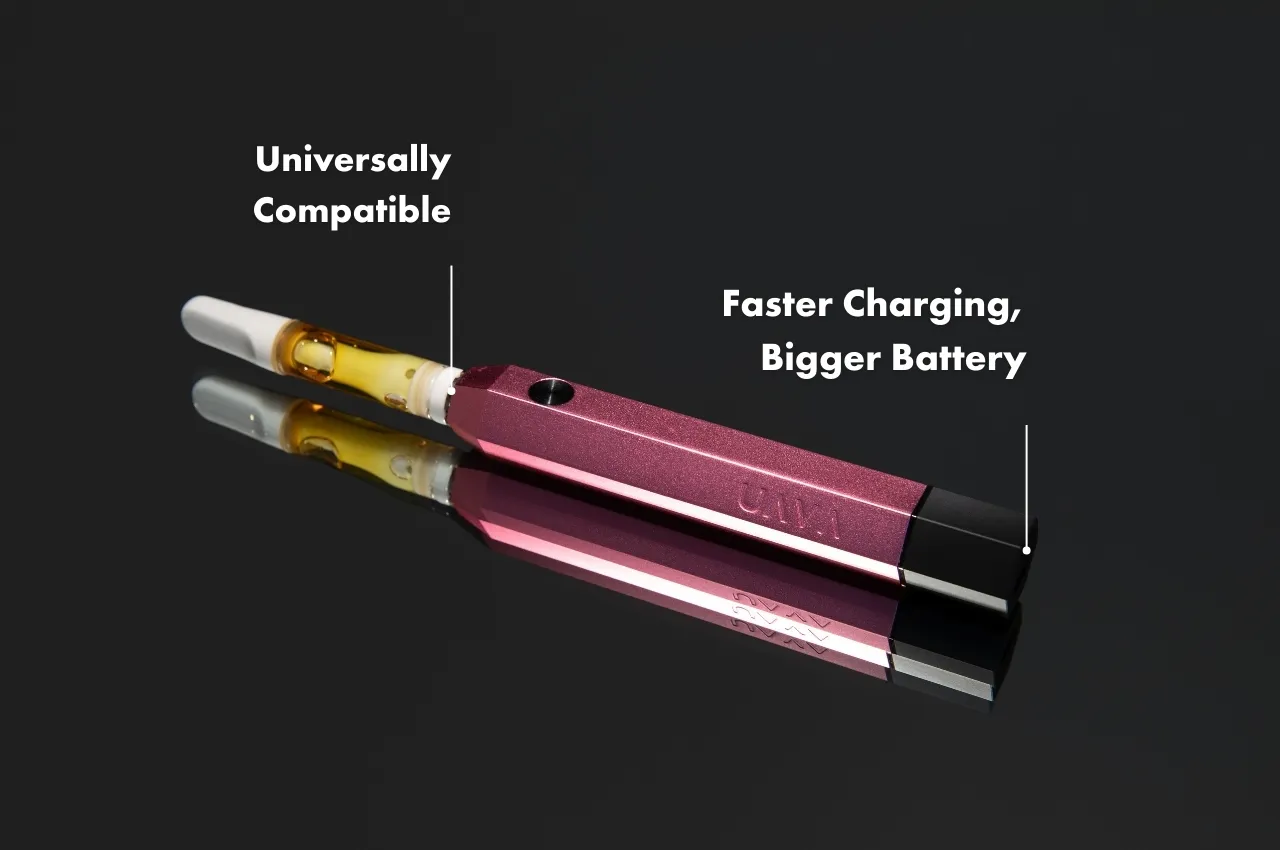
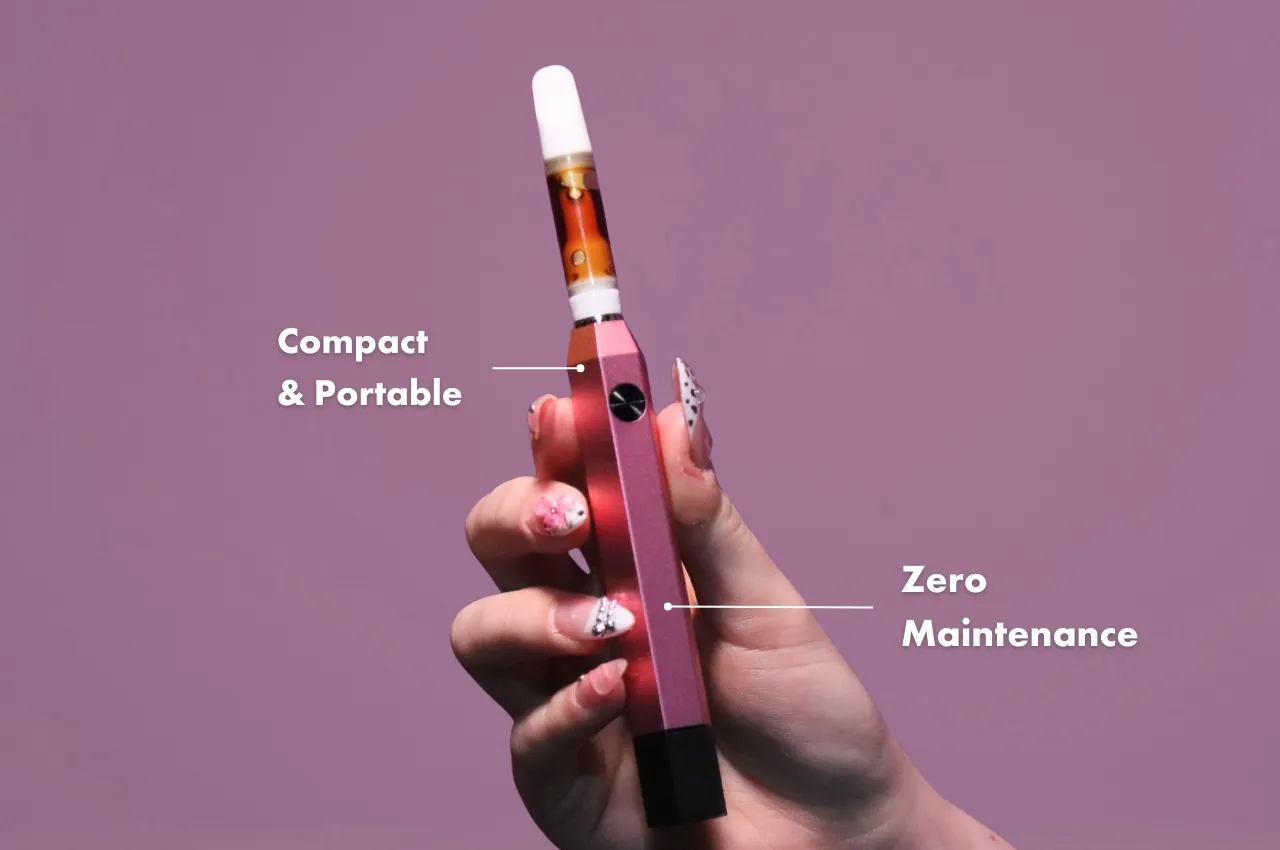
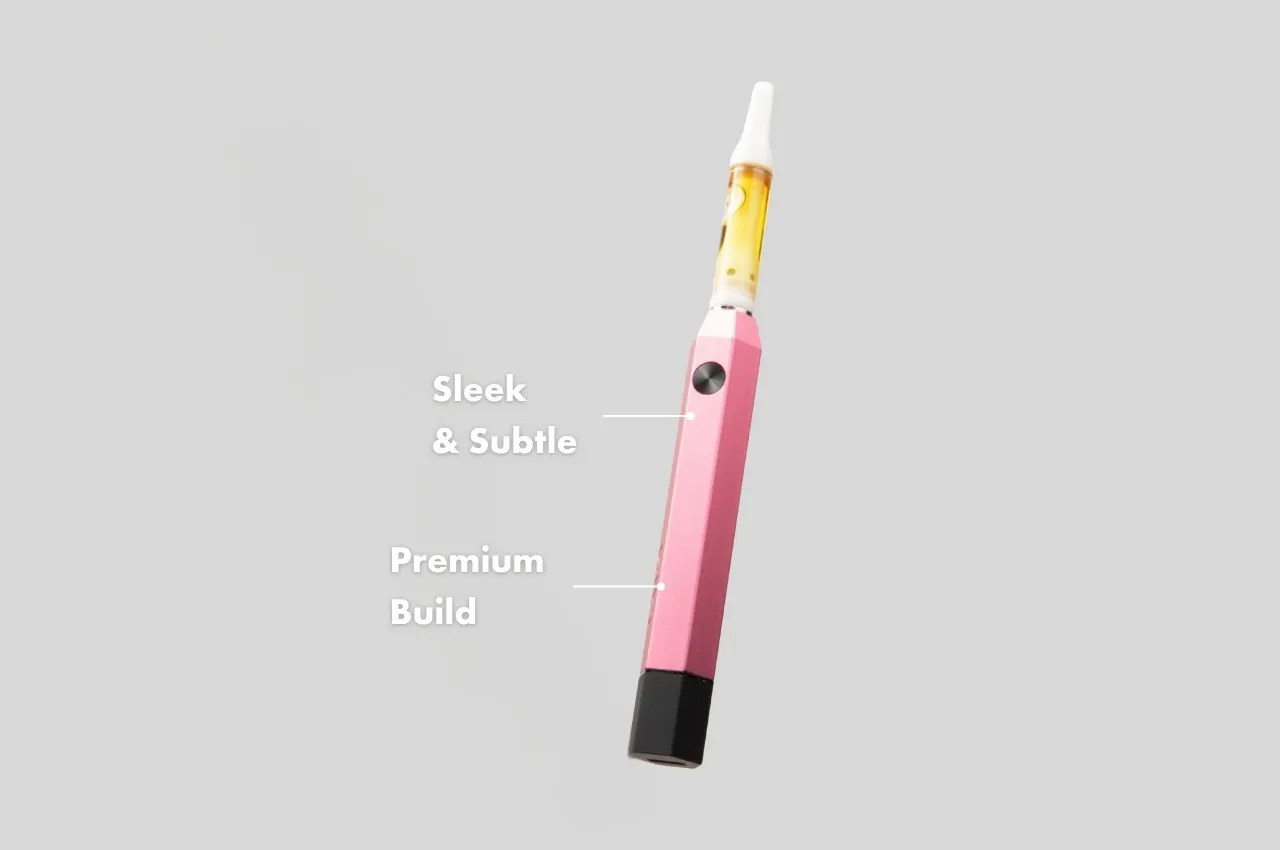
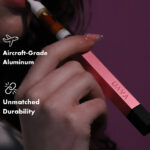
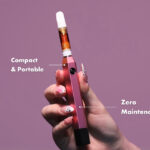
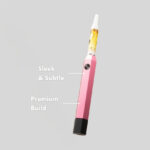
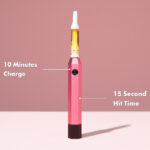
What makes the UAVA better?
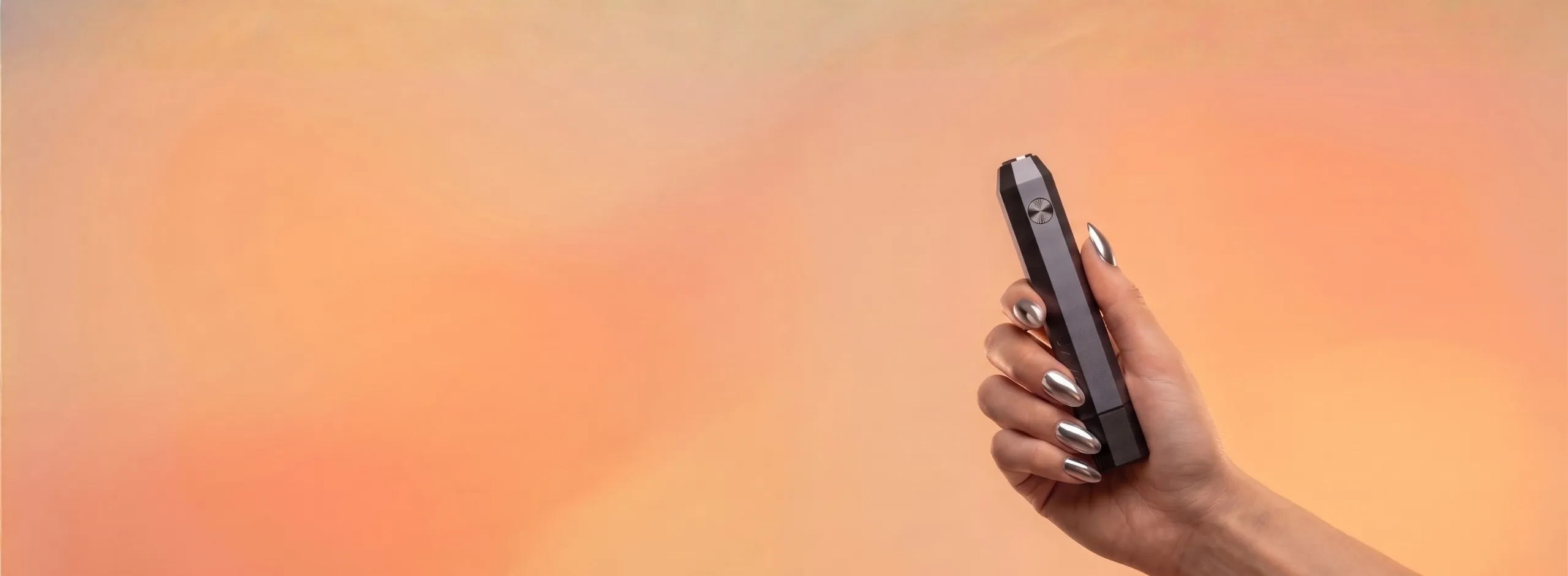
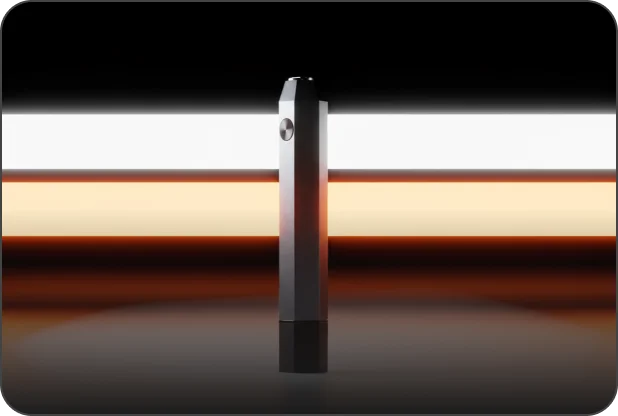
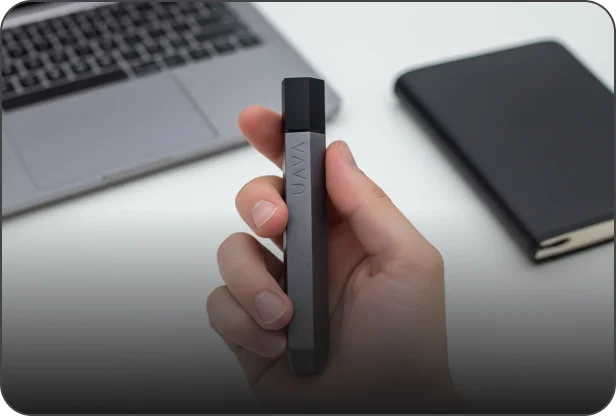
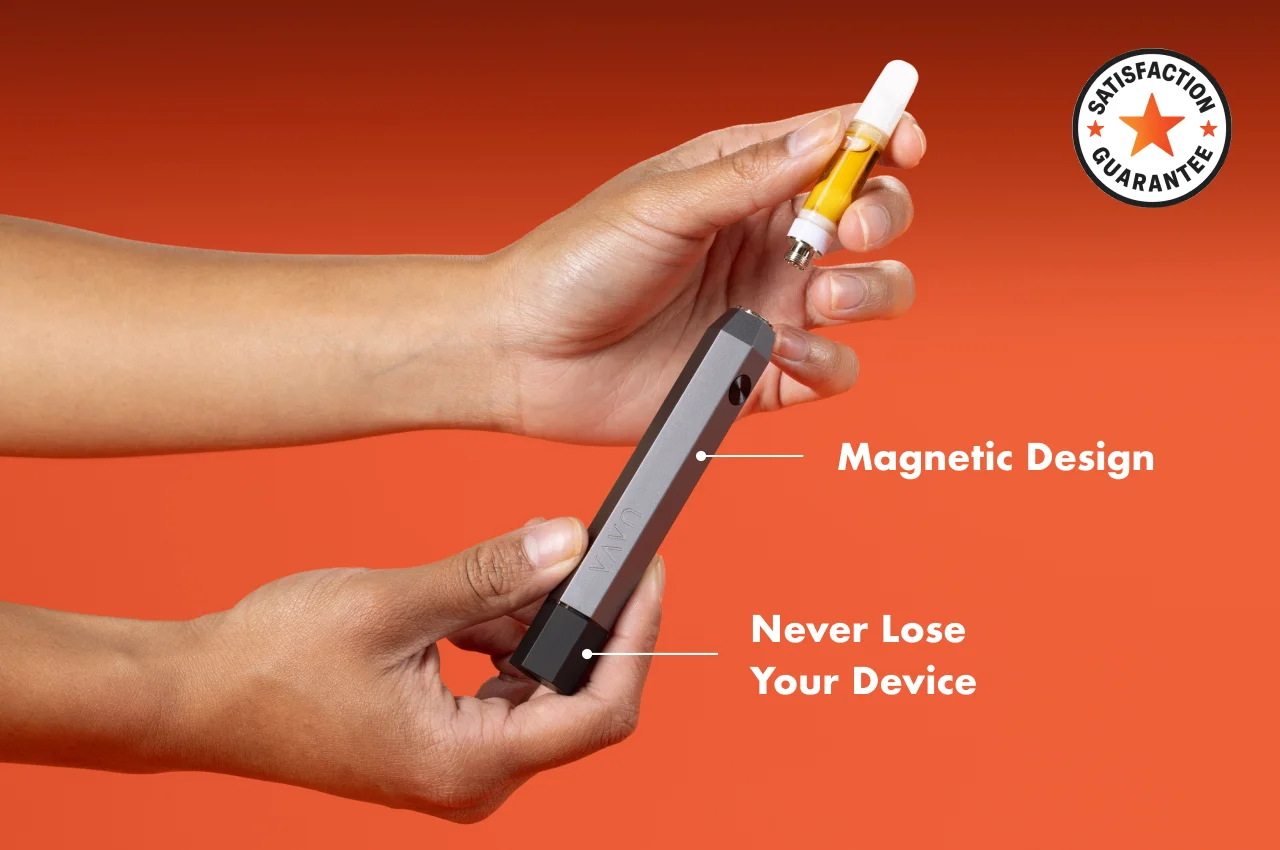
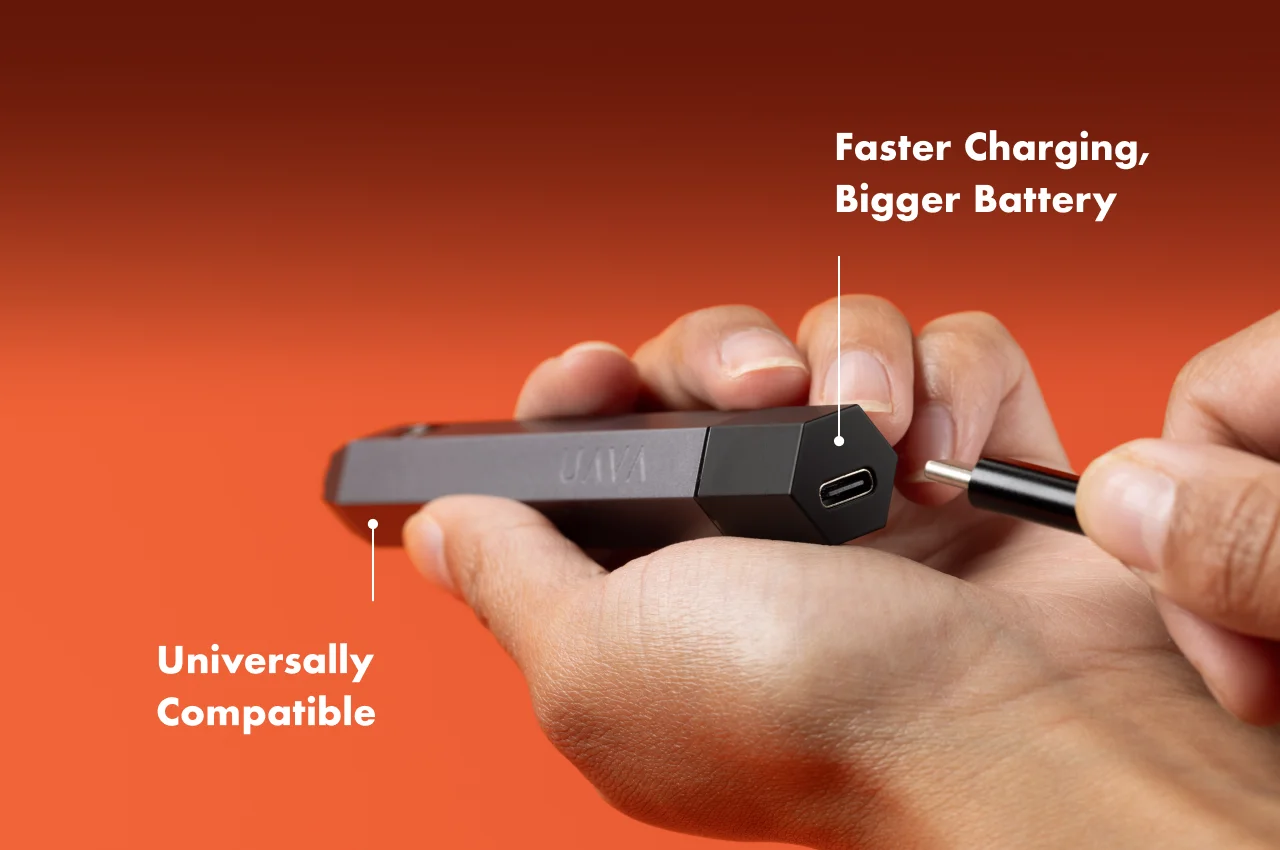
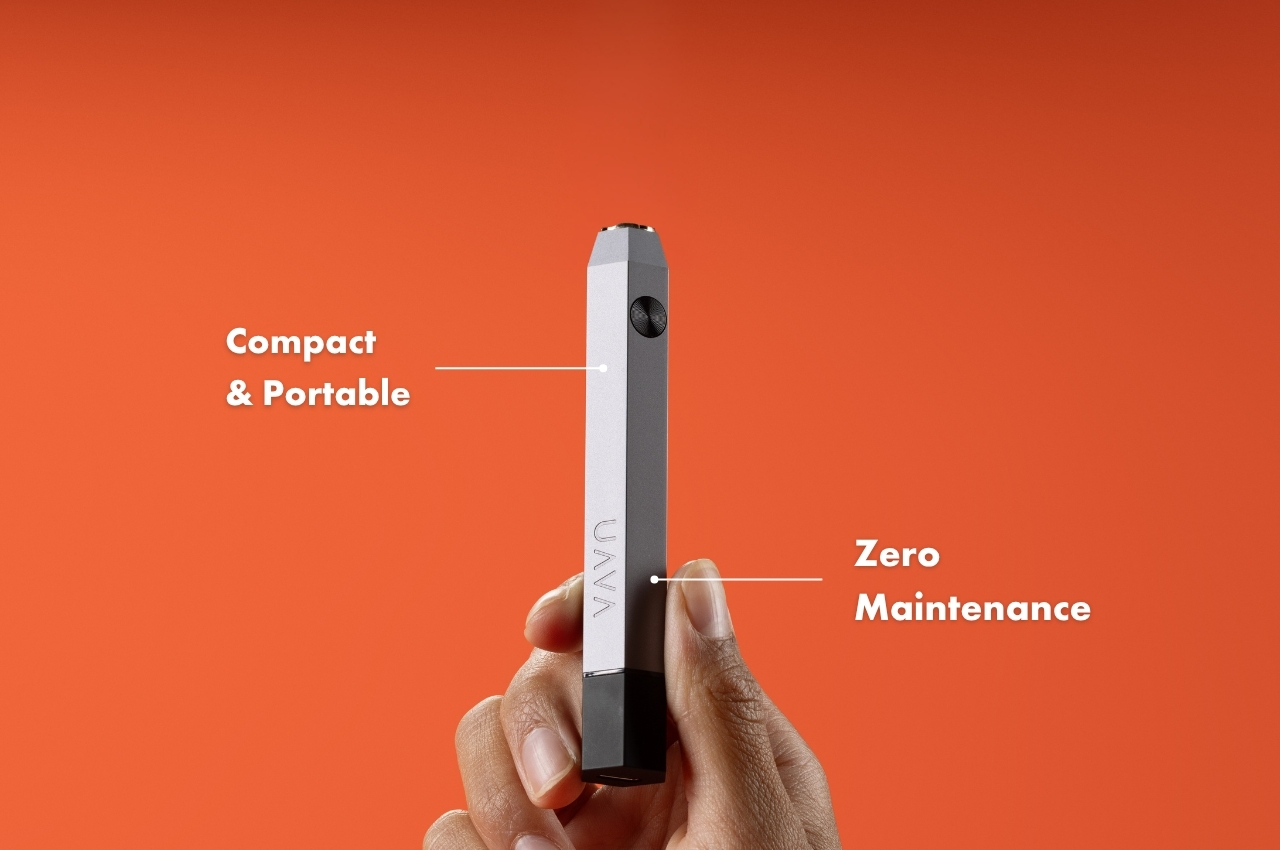
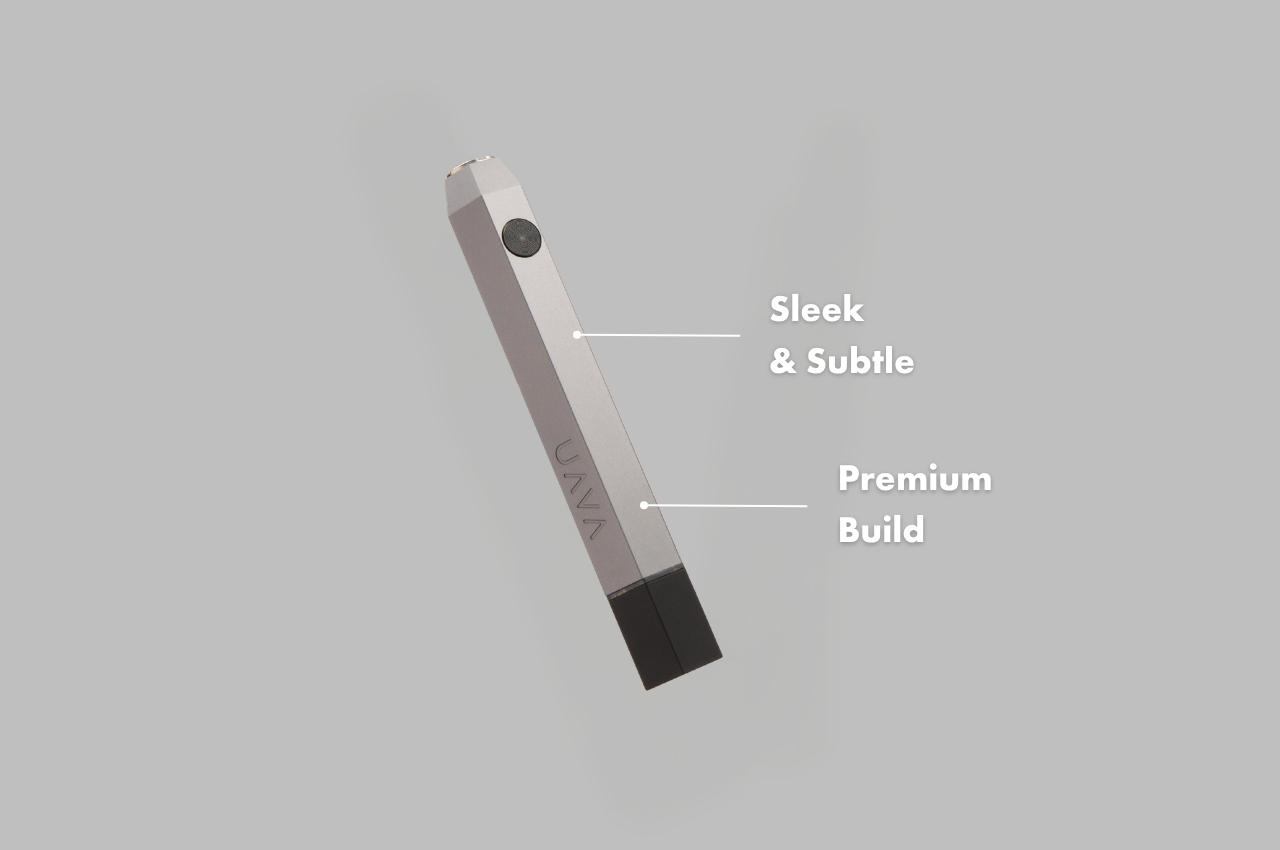
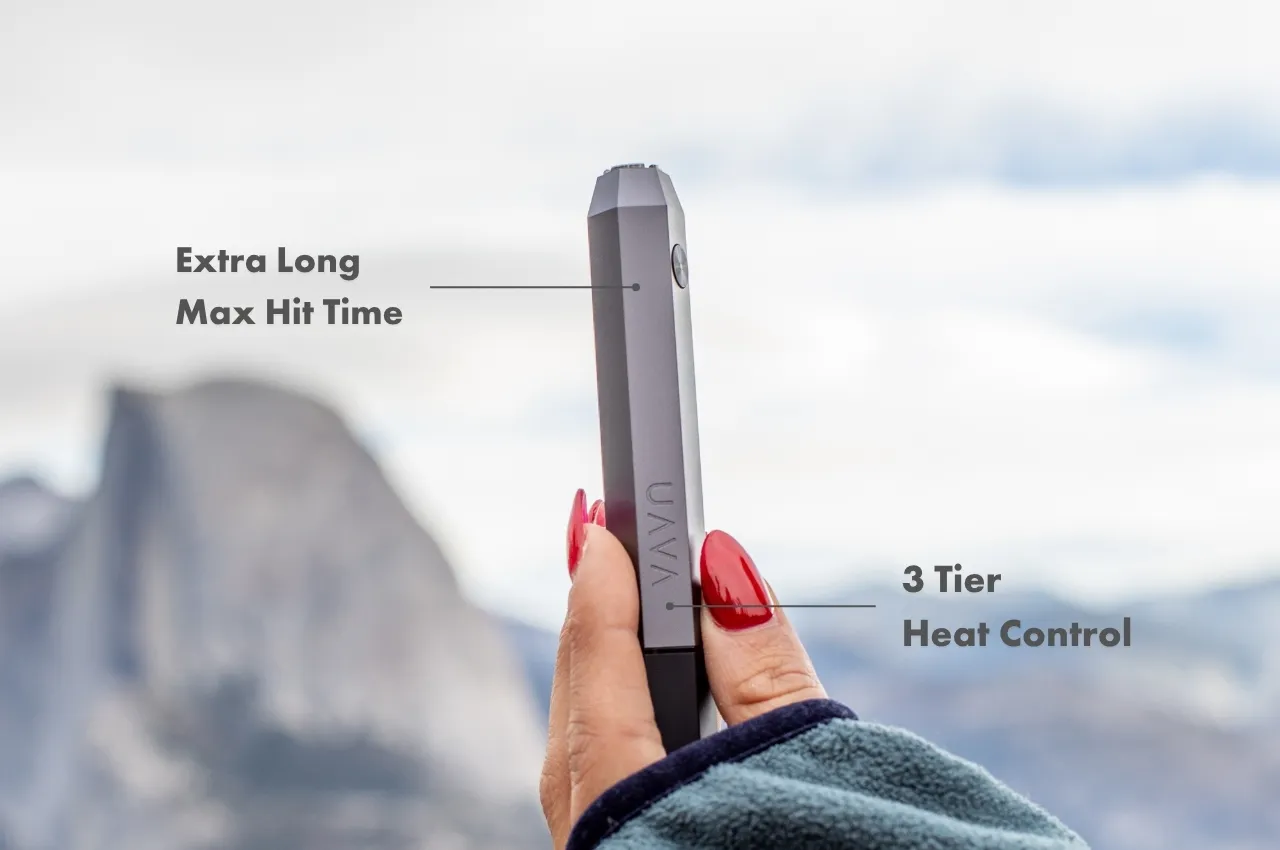
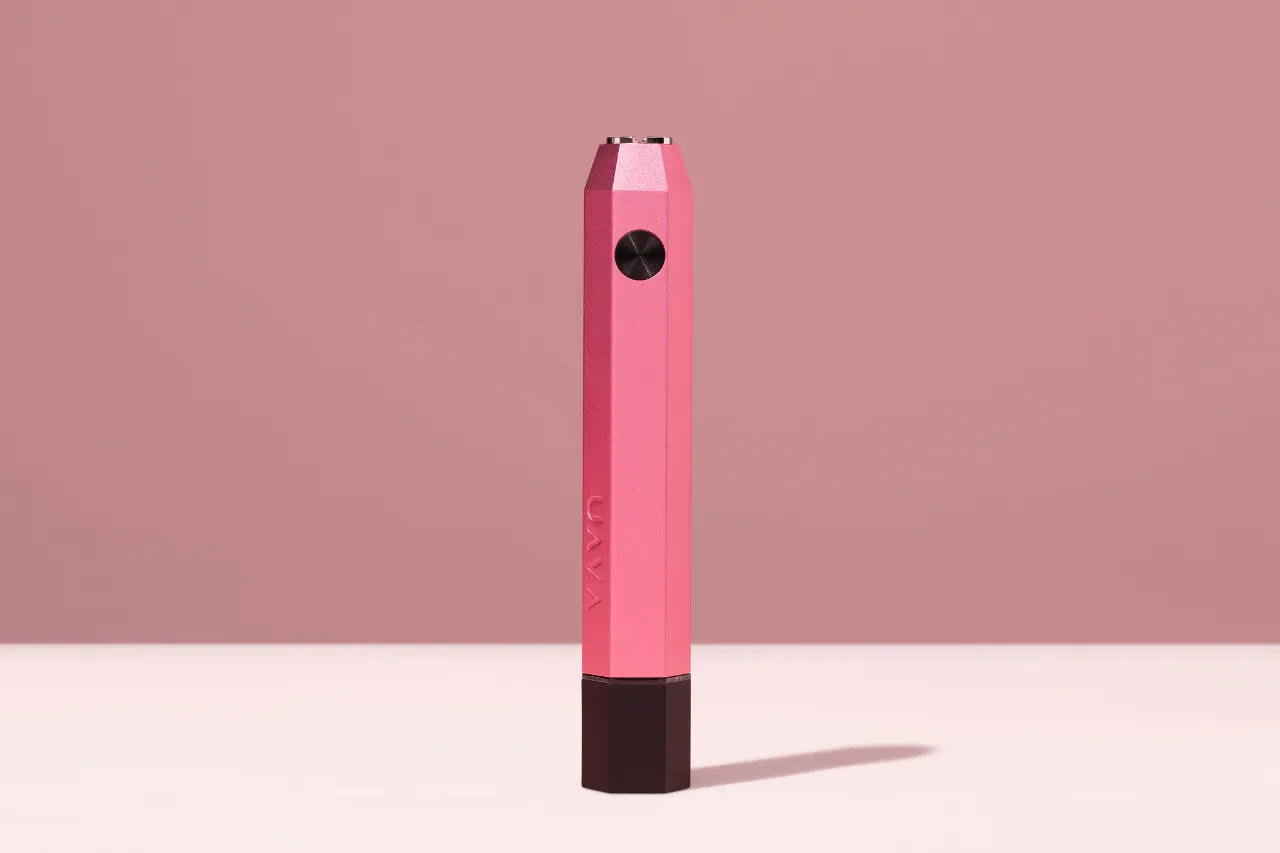
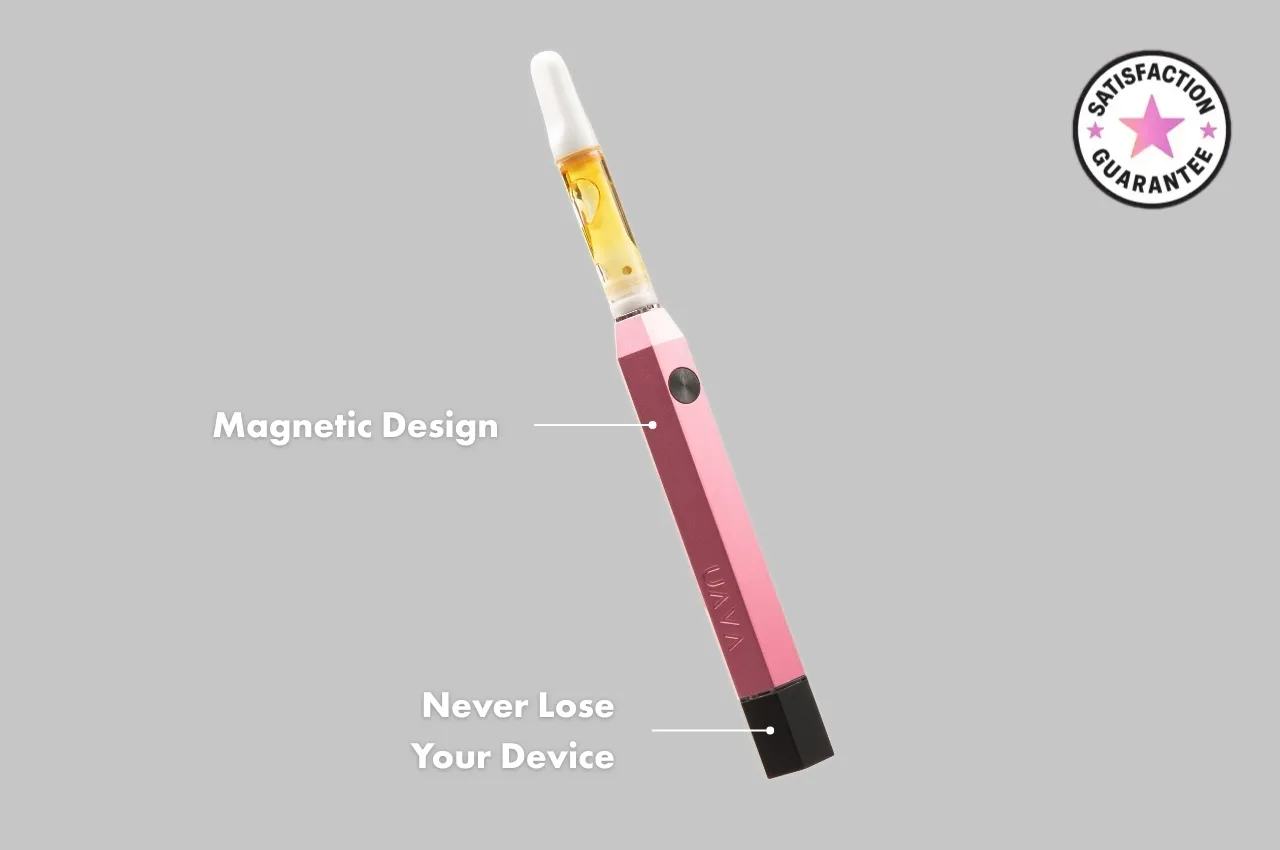
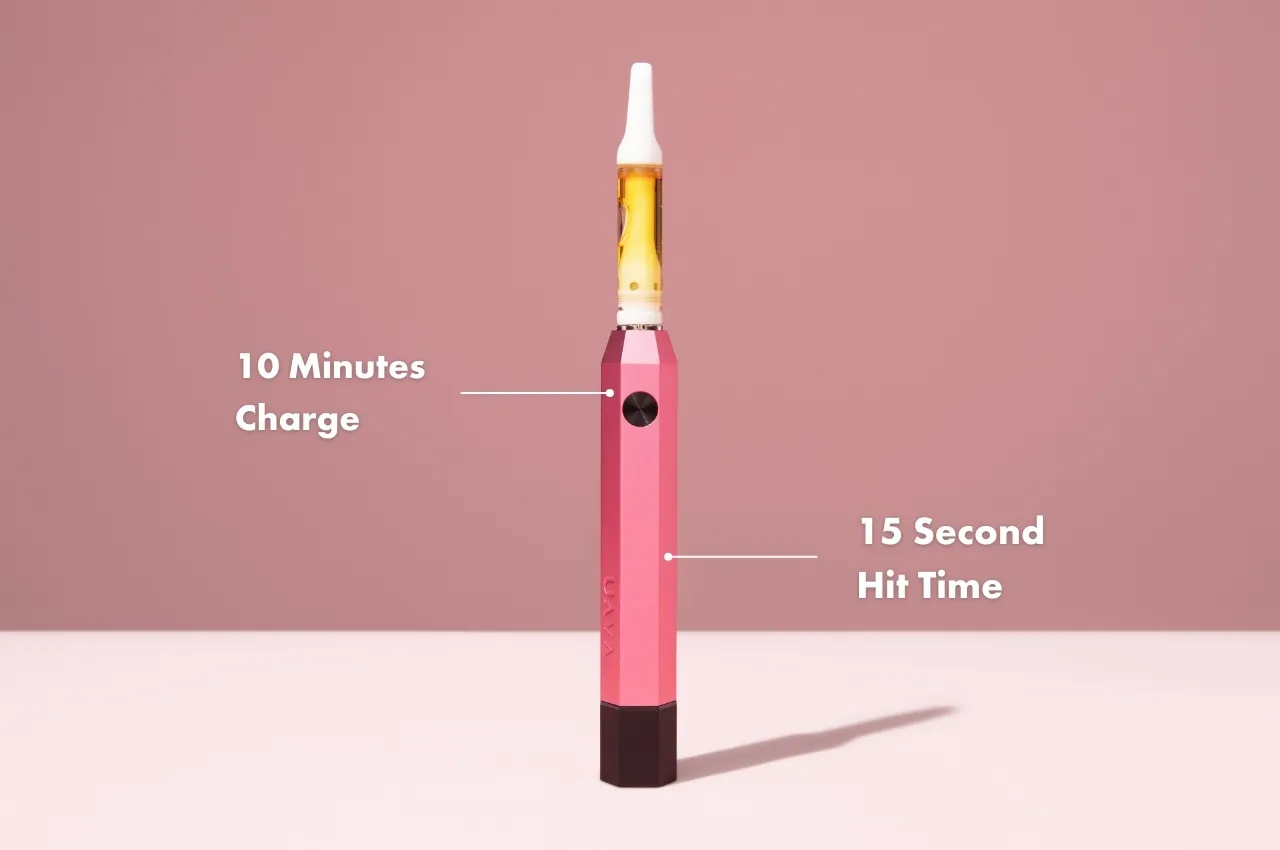
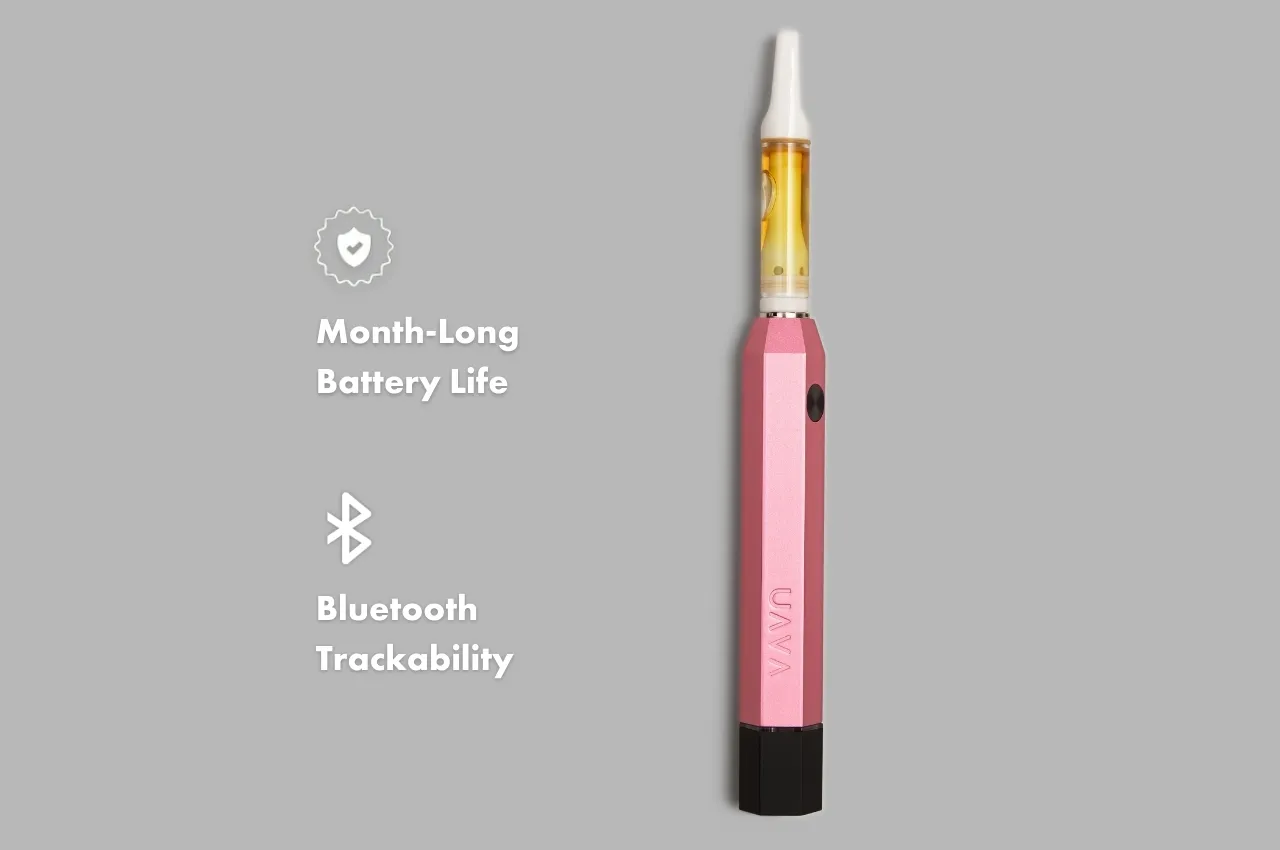
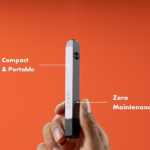
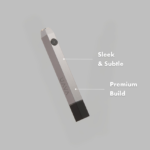
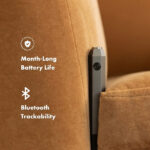
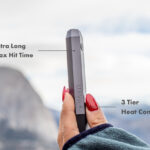
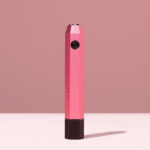
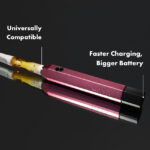
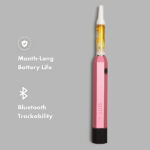
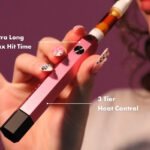
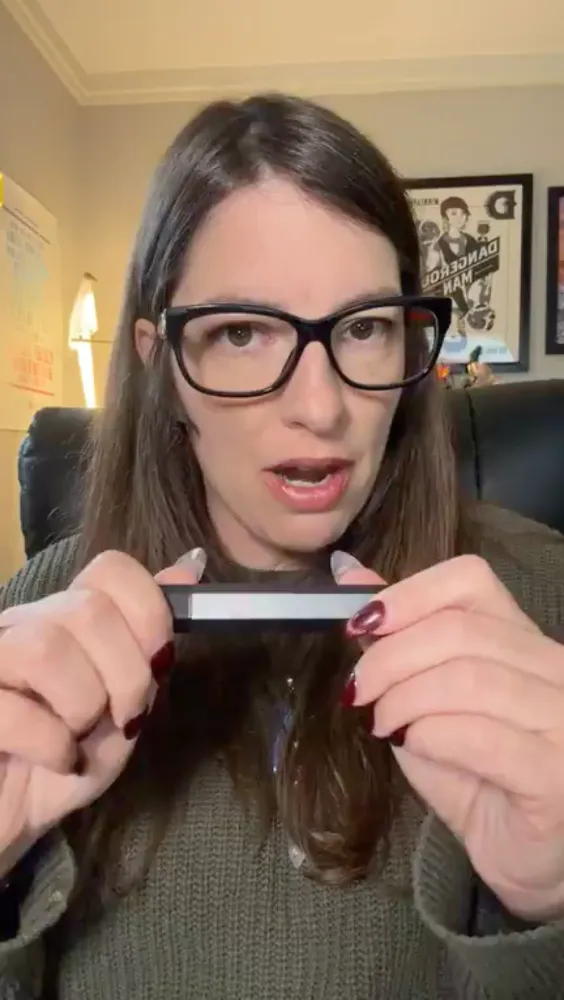
The UAVA 510 battery is compact and durably designed with your lifestyle in mind. It’s incredibly portable and easy to use, featuring three voltage settings, and an intuitive app that gives you trackability and more control of your device. And did we mention the UAVA won’t easily break like the rest?
Will the UAVA break?
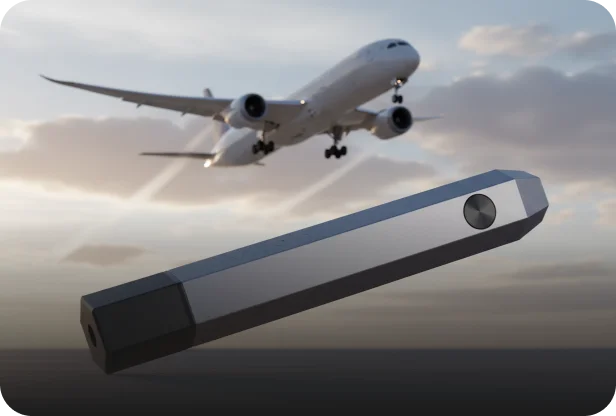
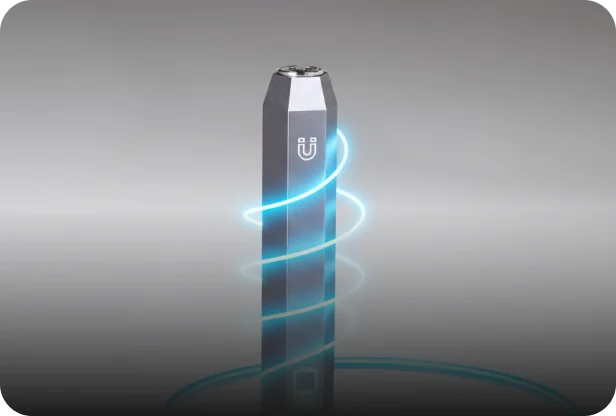
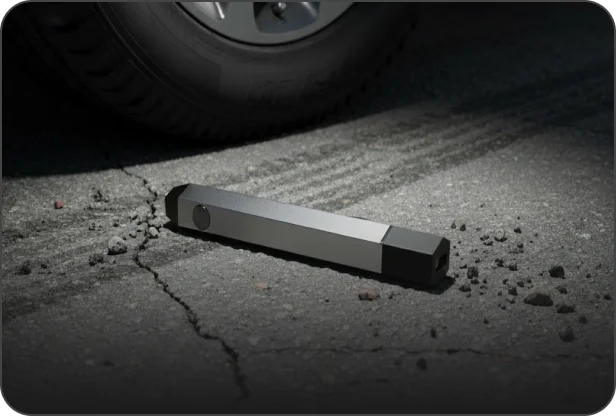
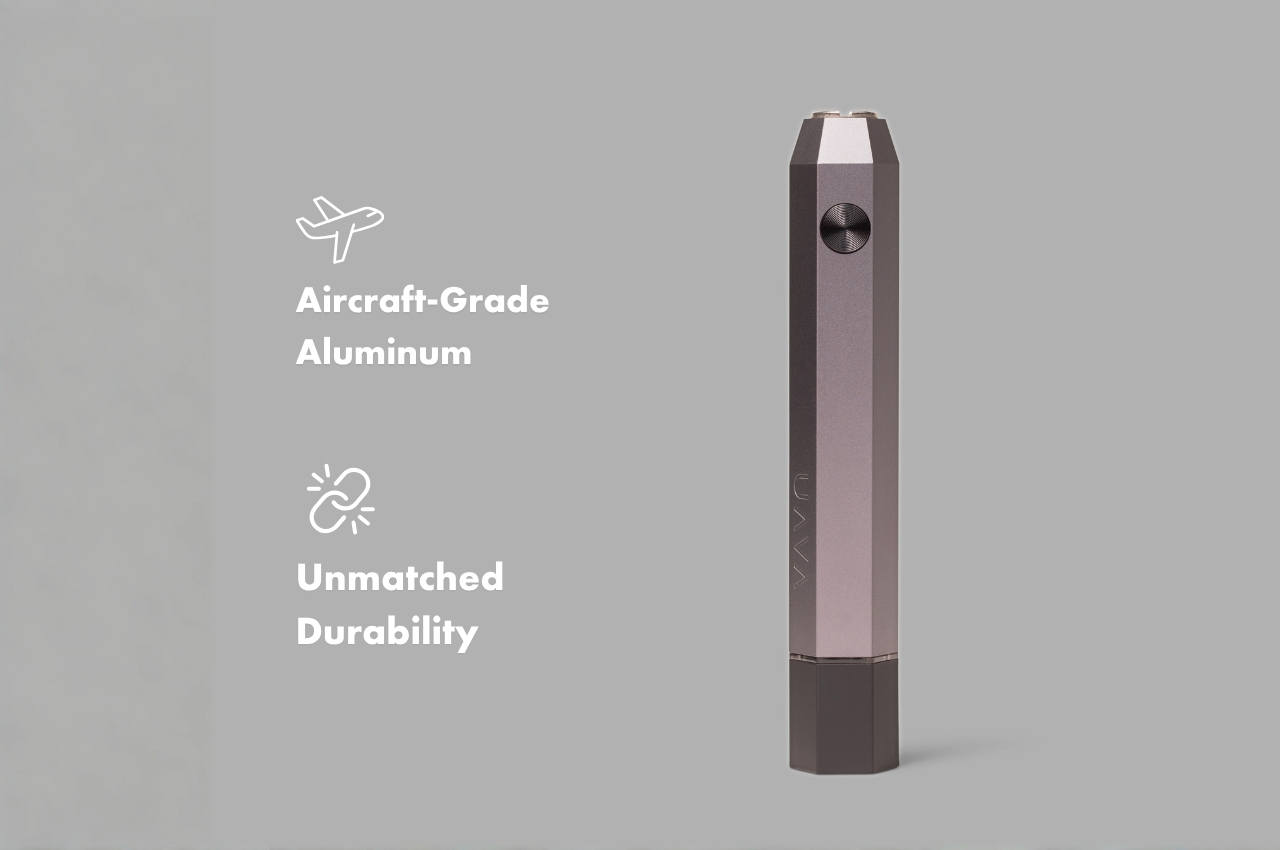
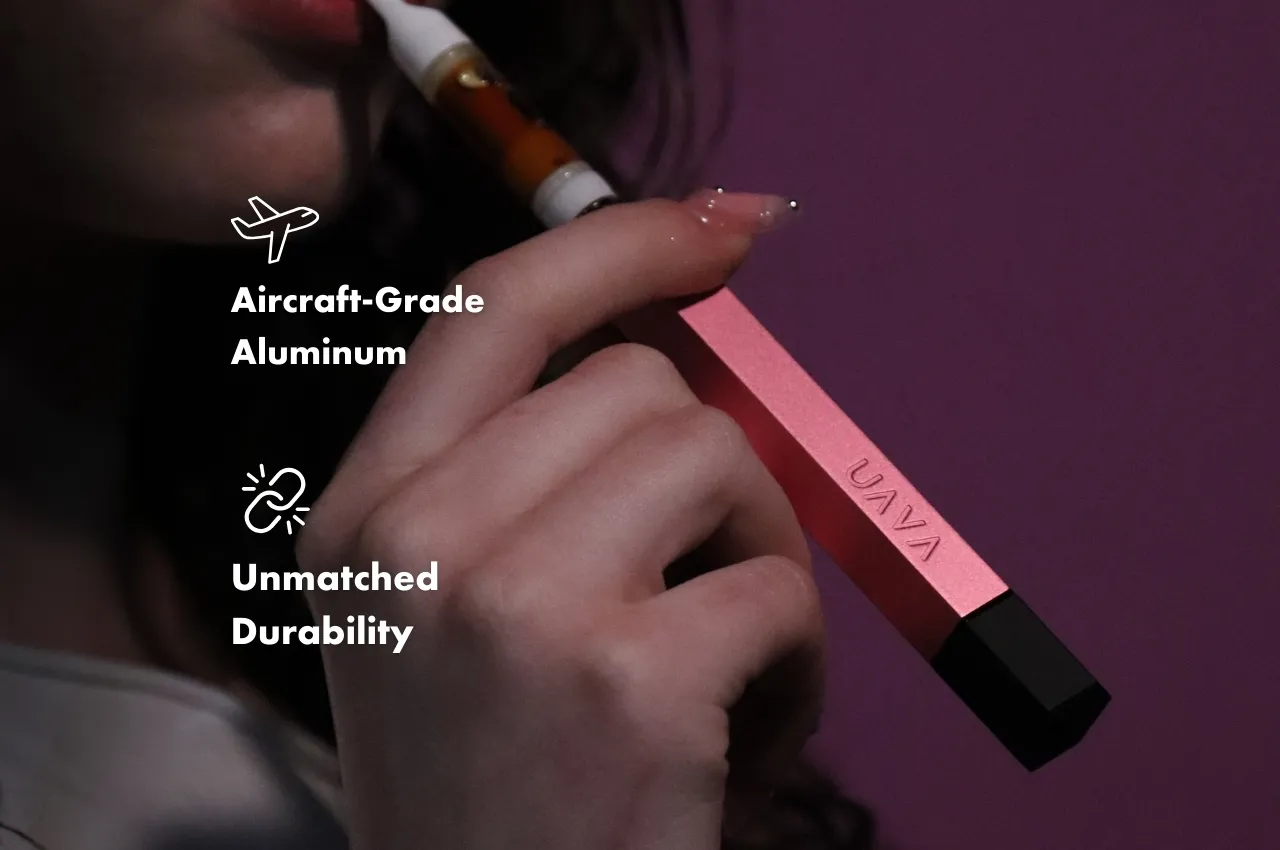
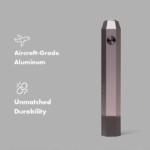
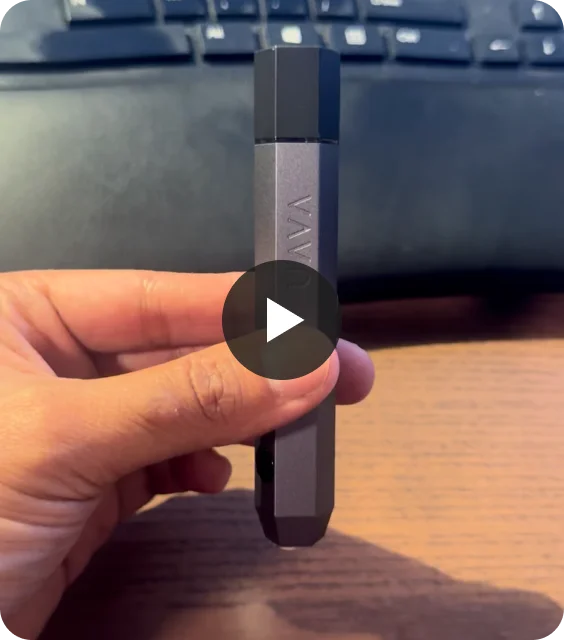
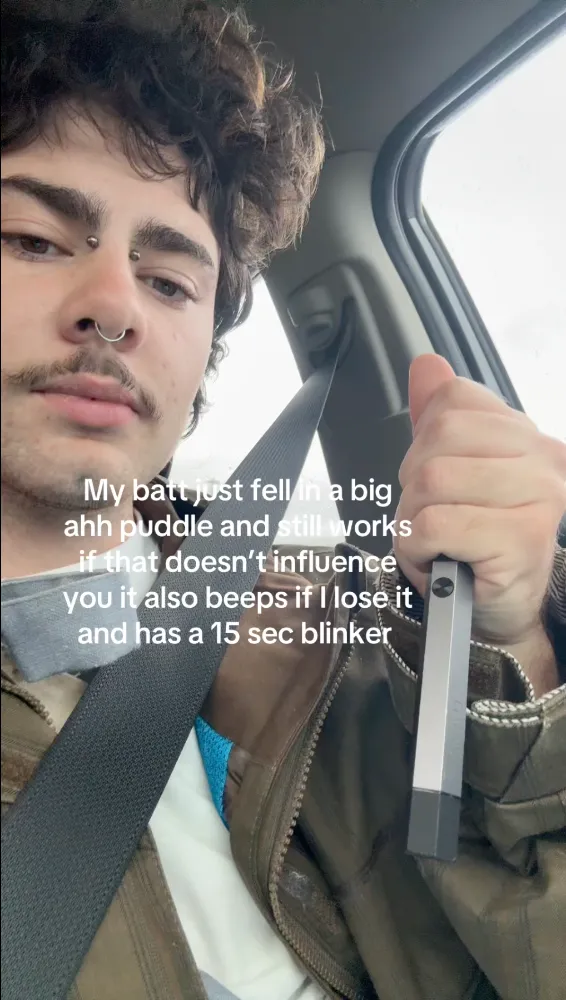
Not a chance. We’ve engineered the UAVA with reliable materials, like aircraft-grade aluminum, and rock-solid design that’s built to resist even the biggest of falls, so you can use with confidence.
How do I turn on my UAVA?
Press the button on your UAVA 5 times to power on/off. The indication light will flash green when powered on, and red when powered off.
How do I pair my UAVA to my phone?
Scan the QR code on the card provided in your UAVA box, directing you to the UAVA mobile app. If this doesn’t work, click the link below:
UAVA Setup:
Once the app is downloaded, ensure your UAVA is powered on with a device connected, and that Bluetooth pairing is turned on in your phone’s settings. Follow the in-app instructions to continue pairing to your UAVA.
Can I customize the voltage settings on the UAVA?
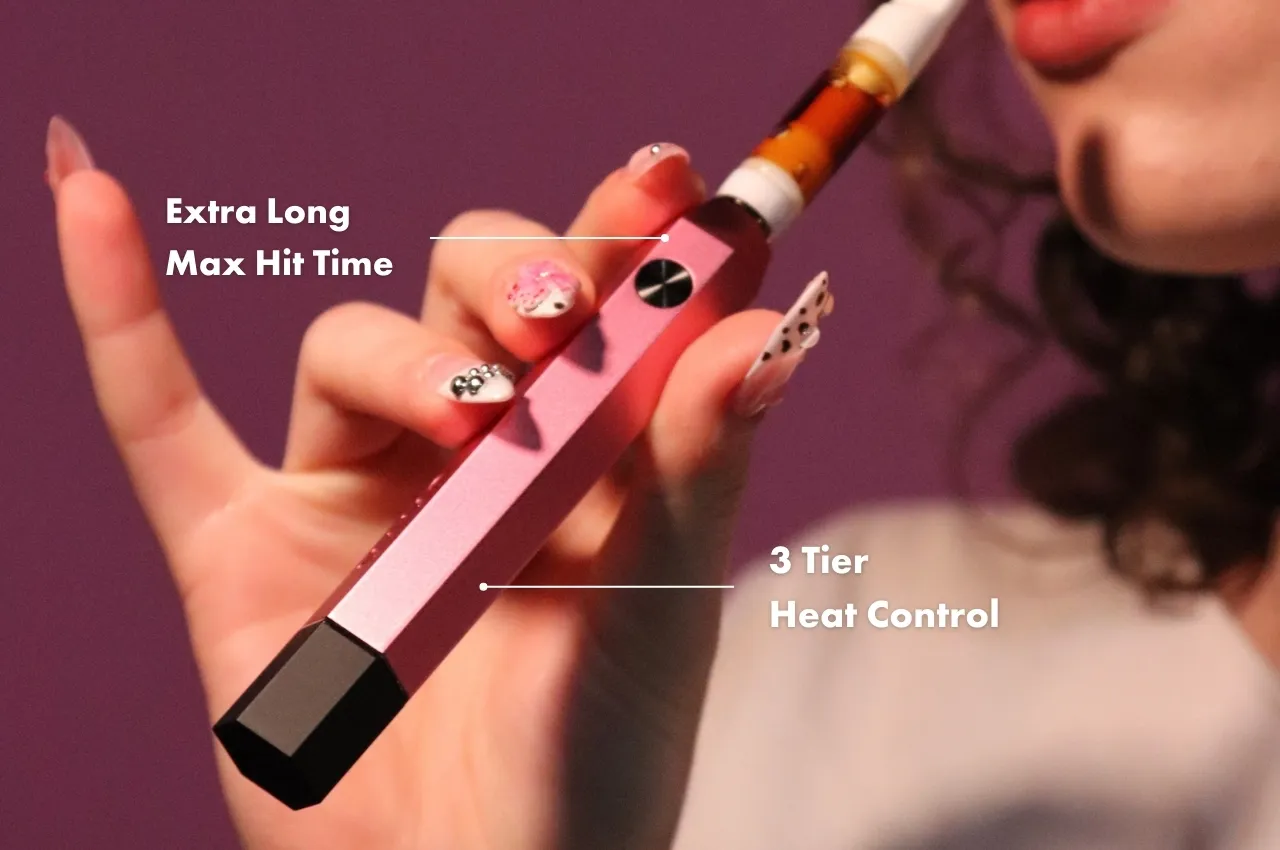
We’ve fine-tuned the UAVA to provide an optimal experience right out of the box, allowing you to adjust between 2.8v, 3.2v, or 3.6v. UAVA uses an optimized heating curve to allow for a longer, smoother experience.
Why is my UAVA blinking red?
Ensure a device is attached to your UAVA. If the indicator light blinks red 10 times or nothing happens when pressing the button, your UAVA is out of battery and must be recharged.
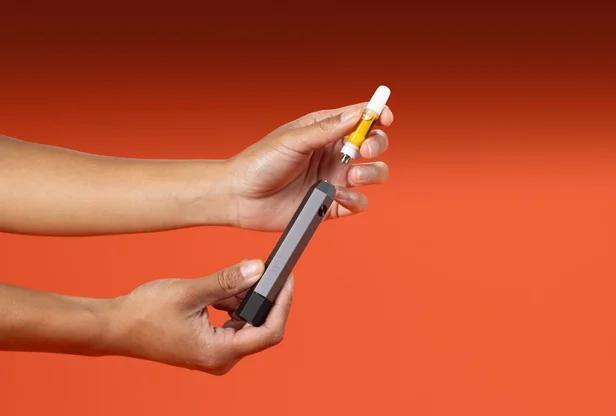
If the indicator light blinks only 1 time when pressing the button, your UAVA is not sensing the attached device. Try unscrewing and reattaching your device, ensuring that it is fully screwed in. Additionally, ensure that both the UAVA and device connection ports are clean and free of any substance that may be leaking, as this can block the electric current that is necessary to heat the device.
Why is my UAVA blinking blue?
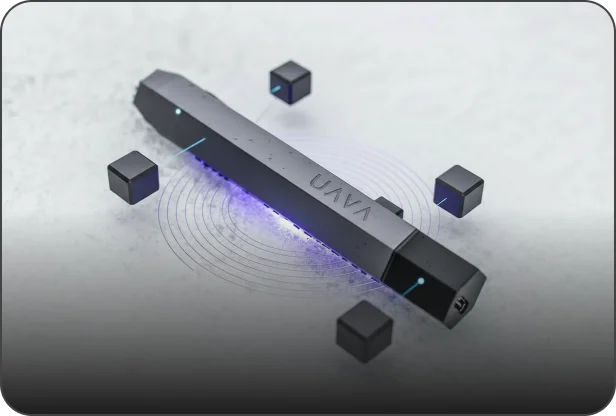
The UAVA indication light blinks blue once when it senses a device is attached, and also when a device is detached. If your device does not blink blue when attaching a device, it does not sense that the device is attached. Try unscrewing and reattaching your device, ensuring that it is fully screwed in.
Additionally, ensure that both the UAVA and device connection ports are clean and free of any substance that may be leaking, as this can block the electric current that is necessary to heat the device.
What can I actually do with the UAVA App?
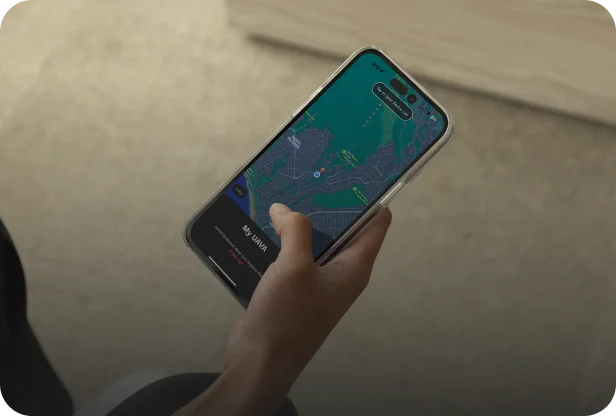
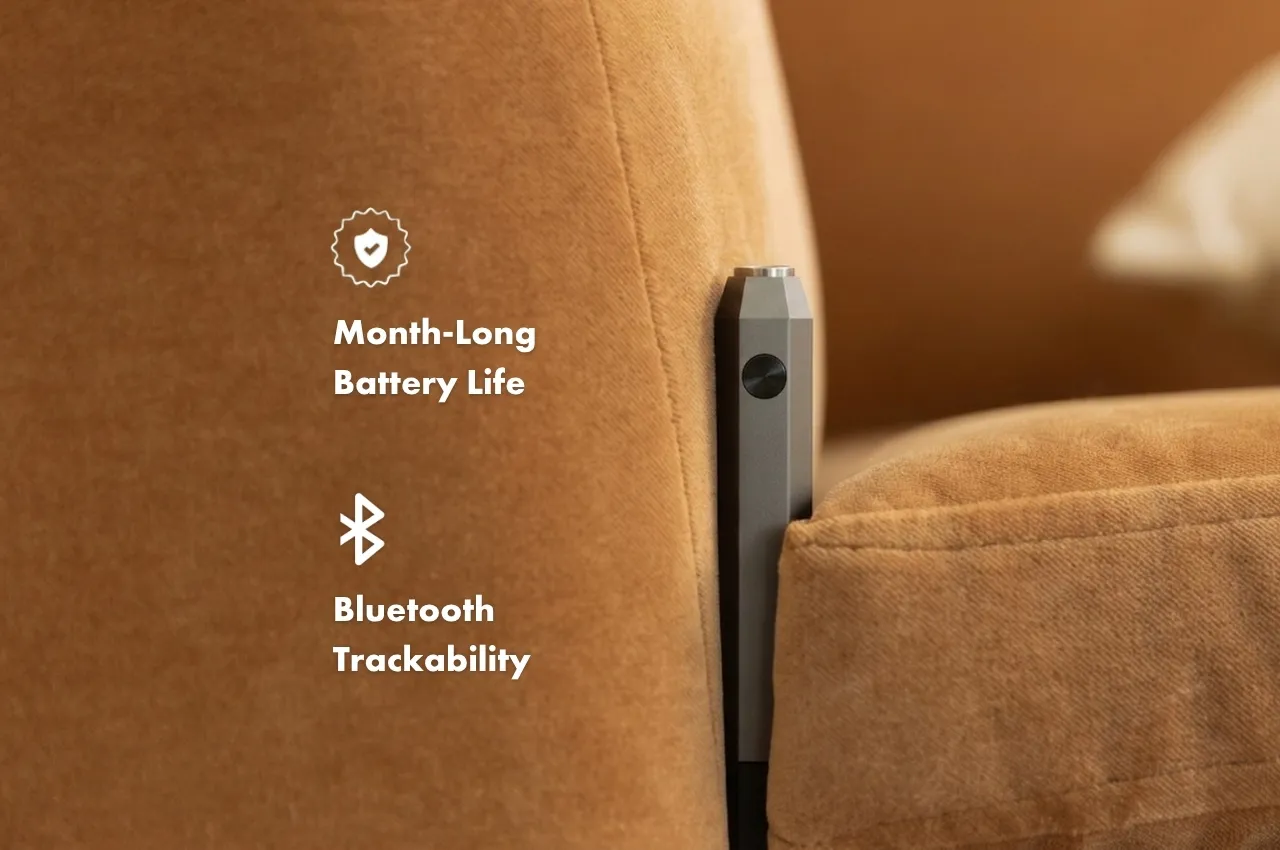
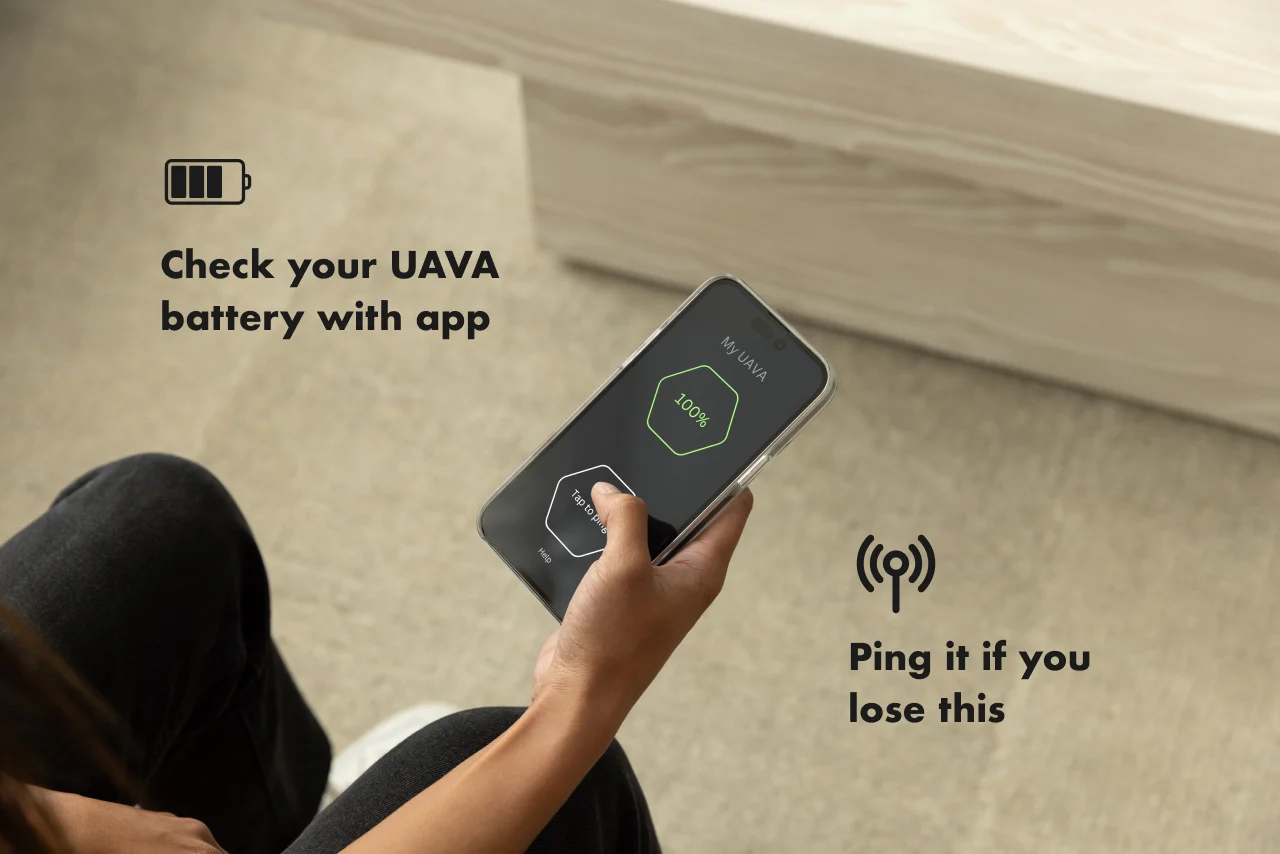
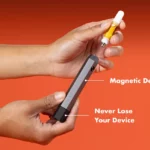
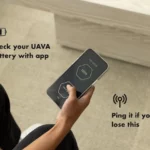
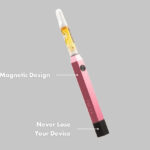
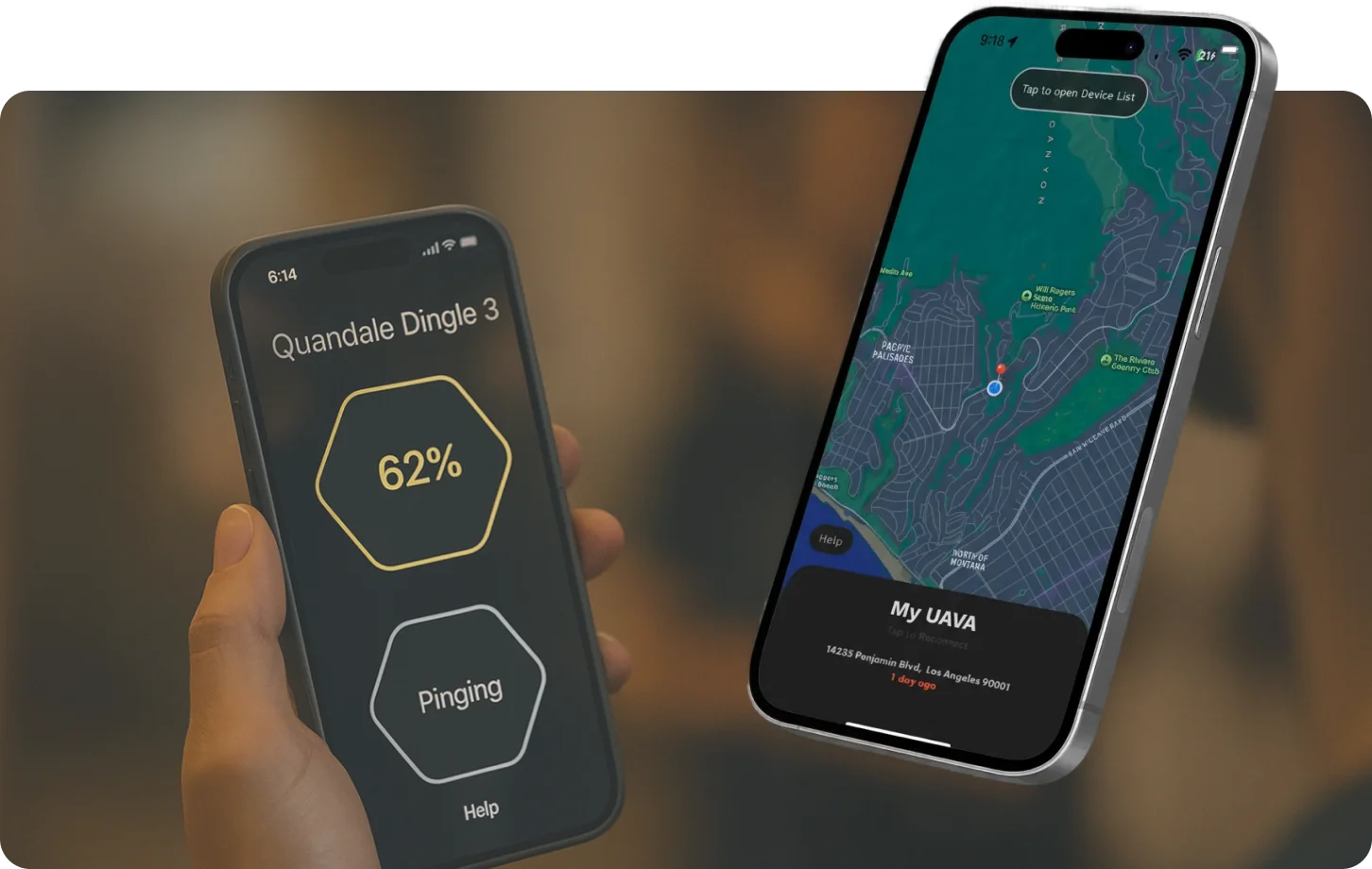
With the UAVA app, available for Android and IOS devices, you’ll be able to audibly ping your UAVA when misplaced. That’s right, you’ll never lose your device again!
You’ll also be able to monitor your battery and stay up to date with firmware updates, device information, usage tips, and troubleshooting guides. The app will also allow you to connect with the UAVA Labs community for more support.
What if my UAVA isn’t working properly?
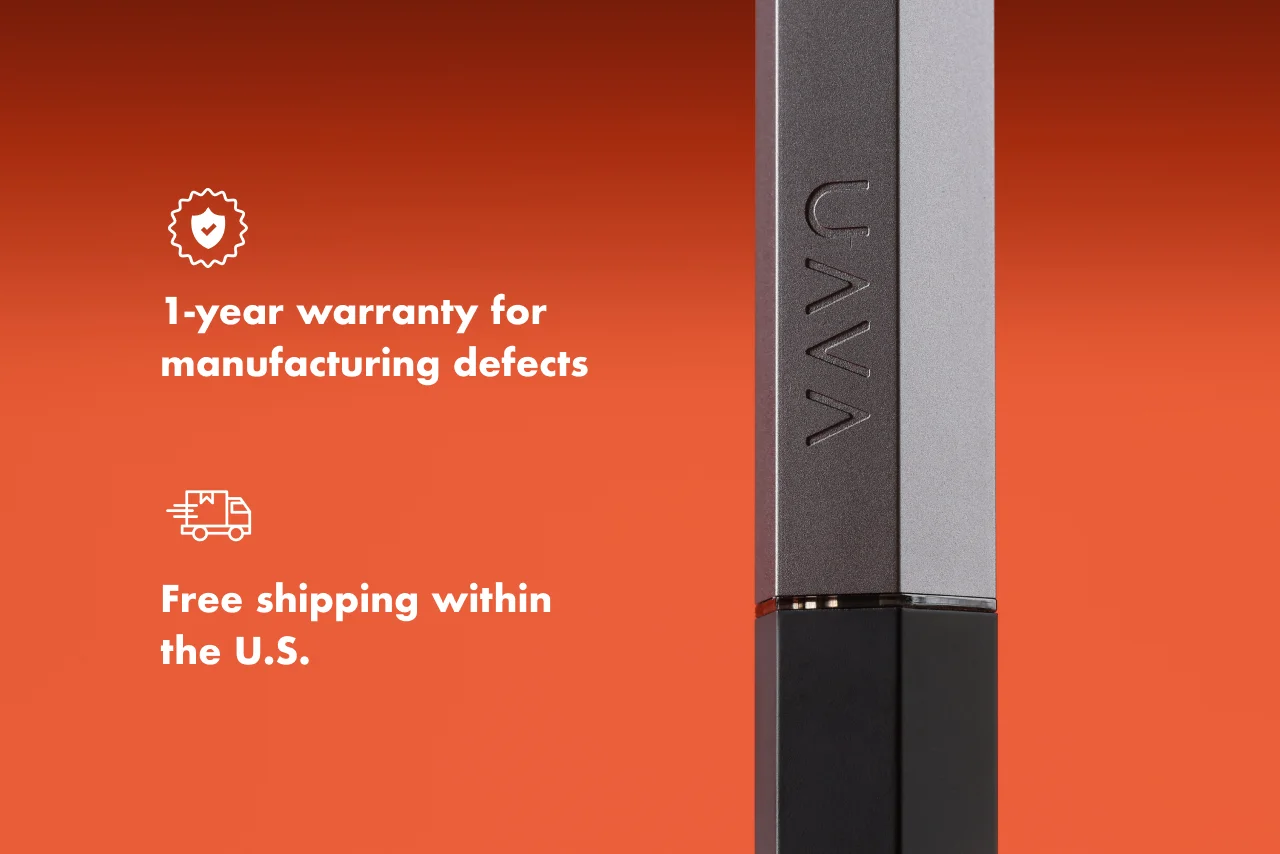
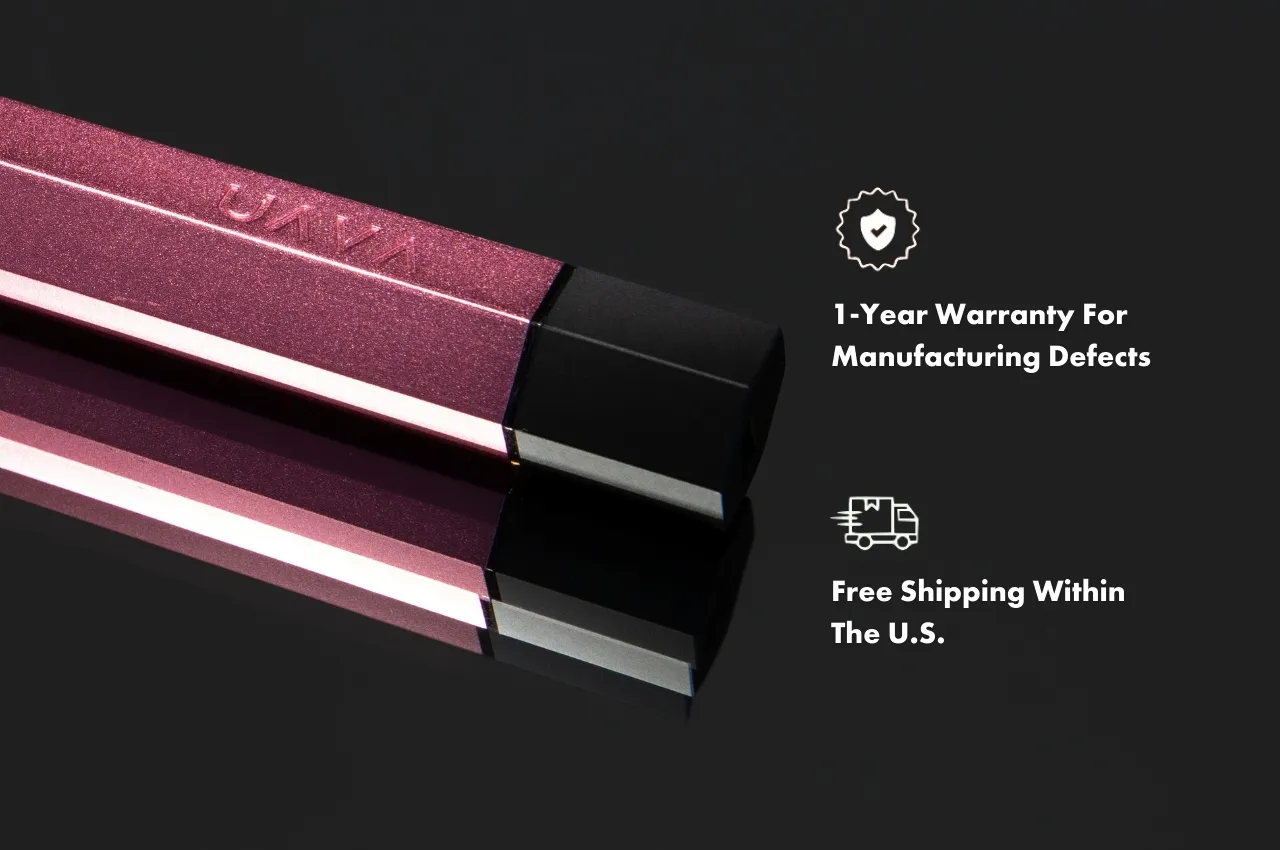
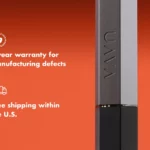
Your device is covered by our 1-year warranty from the date of purchase. If you experience any issues within this period, contact us at help@uavalabs.com or submit a request here. Our customer service team is committed to resolving any issues and ensuring your satisfaction.
What happens if I receive a damaged or defective product from UAVA Labs?
If you receive a damaged or defective product, contact UAVA Labs customer support within 72 hours of delivery. We’ll work out the details and make it right.
How do I return a device?
To initiate a return, contact UAVA Labs customer support at help@uavalabs.com with your order number and reason for return. Check out our Return Policy for full details.
What is UAVA Labs’ return policy?
We offer 30-day returns. If you are not satisfied with your purchase, you may return the product within 30 days of delivery for a full refund.
How much does shipping cost?
Standard shipping within the U.S. is completely free. Expedited options are available at checkout for an additional charge based on your location.
How fast is shipping?
Ships within 1–3 business days. Expedited options are available at checkout.
What if I want faster shipping?
If you need to get your device faster, expedited shipping options are available for an additional fee.
Does it come in other colors?
Wait until you see what we’re cooking in our kitchen. Got color suggestions? Shoot it over to jackson@uavalabs.com