




How to Clean 510 Battery Contacts for Peak Performance
Dirty contacts are the #1 reason your cart hits weak or not at all — fix it in under two minutes and get back to full power.
Why This Matters for Your Wax Sessions
- Restore full heat output — dirty contacts choke voltage before it ever reaches your cart
- Extend battery lifespan — residue buildup accelerates connection wear and early failure
- Protect your investment — a 2-minute clean keeps your 510 battery running like new for months
- Consistent hits every time — clean contacts mean reliable preheat and variable voltage performance
The Real Reason Your 510 Cart Hits Weak (It’s Not the Cart)
Dirty or corroded 510 battery contacts are the most common cause of weak hits, connection errors, and dead-feeling carts — and they’re almost always fixable in under two minutes with items you already own.
You swap in a fresh cart. You press the button. The LED blinks, but the hit is thin, barely warm, or nothing comes out at all. Before you blame the cartridge — or worse, assume your battery has died — check the contacts. In the 510-thread vape category, oxidized residue, oil seepage, and pocket lint on the center pin and threading are responsible for the majority of “dead battery” complaints that turn out to be entirely reversible.
This matters because a weak or broken connection doesn’t just ruin a session — it puts stress on the battery’s internal circuitry. Over time, a dirty contact forces the battery to work harder to push current through a compromised pathway, which can accelerate capacity loss and shorten the battery’s overall lifespan. That’s the difference between a 510 battery that lasts months versus one that feels unreliable after a few weeks.
What You’ll Need to Clean 510 Battery Contacts
You need isopropyl alcohol (90%+ concentration), a few cotton swabs or a soft lint-free cloth, and a toothpick or thin wooden skewer. No special tools required.
- Isopropyl alcohol (IPA), 90% or higher — the higher the concentration, the faster it evaporates and the less moisture risk to the battery internals. 99% IPA is ideal.
- Cotton swabs (Q-tips) — standard size for the threading, or precision-tip swabs for the center pin.
- Toothpick or wooden skewer — for dislodging hardened oil or debris from the threading grooves without scratching the metal.
- Soft lint-free cloth or microfiber cloth — for a final wipe of the exterior threading.
⚠️ Do NOT use water, acetone, or abrasive materials. Water risks internal corrosion; acetone can damage plastic components around the contact area. Stick to IPA 90%+.
How to Clean 510 Battery Contacts: Step-by-Step
Turn off the battery, remove the cartridge, dip a cotton swab in IPA, clean the center pin and threading, let it dry fully (30–60 seconds), then reattach your cart and test.
Step 1 — Power Off and Remove the Cart
Always power the battery off before cleaning. On most 510 batteries — including the UAVA — five rapid clicks of the fire button toggles the battery on and off. Removing power eliminates any risk of an accidental short during cleaning. Unscrew the cartridge and set it aside on a clean surface.
Step 2 — Inspect the Center Pin and Threading
Look into the 510 connection port under good light. You’re looking for three things: oil residue (amber or brown film on the center pin or threading), oxidation (dull, grayish discoloration on the metal), and debris (lint, dust, or dried material in the threading grooves). Even a thin film of oil residue is enough to increase electrical resistance and cut your heat output noticeably.
Step 3 — Clean the Center Pin
Dip a cotton swab lightly in IPA — you want it damp, not dripping. Gently rotate the swab against the center pin (the small metal post in the middle of the 510 connection). Apply light pressure and rotate to lift residue. Use a fresh swab if the first one picks up significant buildup. For stubborn hardened oil, use a toothpick to gently loosen it first, then follow with the IPA swab.
Step 4 — Clean the Threading
Use a fresh IPA-dampened swab to wipe along the interior threading grooves. Rotate the swab so it contacts the full circumference of the threads. If debris is lodged in the grooves, use a toothpick carefully to dislodge it before wiping. The threading carries the ground connection — a dirty thread is just as damaging as a dirty center pin.
Step 5 — Wipe the Cart’s 510 Thread Too
While you’re at it, wipe the threading on the cartridge itself with a clean IPA swab. Oil from the cart’s mouthpiece or chamber often migrates down to the connection point. A clean cart on a clean battery is the only way to guarantee a solid connection.
Step 6 — Let It Dry Completely
IPA evaporates fast — especially at 90%+ concentration — but give the connection port at least 30 to 60 seconds of air-dry time before reattaching anything. You can gently blow across the port to speed evaporation. Do not use heat (like a hair dryer) near the battery.
Step 7 — Reattach and Test
Screw the cartridge back in snugly — finger-tight, not over-torqued. Power the battery on (five clicks), set your preferred voltage, and take a test hit. If you were experiencing weak output or connection errors before, the difference after a proper clean is usually immediate and significant.
How Often Should You Clean 510 Battery Contacts?
Clean your 510 battery contacts every 1–2 weeks with regular daily use, or any time you notice reduced hit strength, a blinking connection error, or visible residue on the pin or threading.
If you’re a heavy daily user or frequently swap between multiple cartridges, a weekly quick-clean takes less than two minutes and prevents the slow buildup that causes the most frustrating connection failures. Think of it the same way you’d think about keeping the charging port on your phone clear — small, regular maintenance prevents the kind of degradation that looks like a hardware failure but isn’t.
Signs Your Contacts Need Cleaning Right Now
- Hits feel noticeably thinner or cooler than usual with a cart you know works
- The battery blinks rapidly when you press the button (connection error signal on most 510 batteries)
- You can see a brown or amber film on the center pin
- The cart feels slightly loose or doesn’t seat as solidly as it used to
- Preheat mode activates but doesn’t seem to warm the cart effectively
How Clean Contacts Unlock Variable Voltage and Preheat Performance
A corroded or oily contact introduces resistance that effectively reduces the voltage reaching your cart — meaning your 3.2V setting might be delivering significantly less. Clean contacts let every voltage tier perform as intended.
Variable voltage is one of the most valued features in the 510 battery category — the ability to dial in a lower temperature for terpene-forward hits or push higher for thicker distillate carts. But that precision is wasted if the connection is compromised. A dirty center pin can drop effective voltage enough that your highest setting performs like your lowest. The same applies to preheat mode: the low-temp warm-up cycle that loosens thick oil in a cold cart only works if the electrical connection is clean enough to deliver consistent, controlled current from the start.
Keeping contacts clean is, in practical terms, the simplest way to get the most out of every voltage setting your battery offers — and to make sure preheat actually does what it’s supposed to do.
Preventing Buildup: Best Practices Between Cleans
- Store your battery upright or horizontally, never inverted. Storing a loaded cart upside down encourages oil to migrate toward the connection point.
- Don’t over-tighten cartridges. Excessive torque can press oil up into the threading and also deform the center pin over time.
- Cap unused carts. A capped cart doesn’t leak oil onto your battery’s connection when stored together.
- Keep the battery in a case or pocket away from loose lint. Debris in your pocket finds its way into open 510 ports faster than you’d expect.
- Wipe the cart thread before every swap. A 5-second wipe with a dry cloth each time you change carts dramatically slows buildup on the battery side.
Built to Last — But Maintenance Still Matters
In the 510 battery category, the most common frustrations aren’t always hardware failures — they’re connection problems that look like hardware failures. Weak hits, blinking errors, and inconsistent heat output are frequently the result of residue on contacts, not a dead battery. The good news: they’re almost always fixable.
UAVA Labs builds the UAVA and UAVA Pink for durability and consistent performance — USB-C charging, variable voltage, and a preheat mode designed to handle thick oils. But even a well-built battery benefits from regular contact cleaning. It’s the single highest-ROI maintenance habit for any 510 user.
- USB-C charging — no proprietary dongles, charges with the same cable as your phone
- Variable voltage with clear LED indicator — dial in your exact heat preference
- Preheat mode — double-click activation warms thick oil before your first hit
- Compact, pocket-friendly form factor — slim enough for any pocket, powerful enough for any cart
- Designed for lasting performance — built to outlast the cheap alternatives that fail in weeks
The UAVA Lineup — Clean Contacts, Maximum Performance
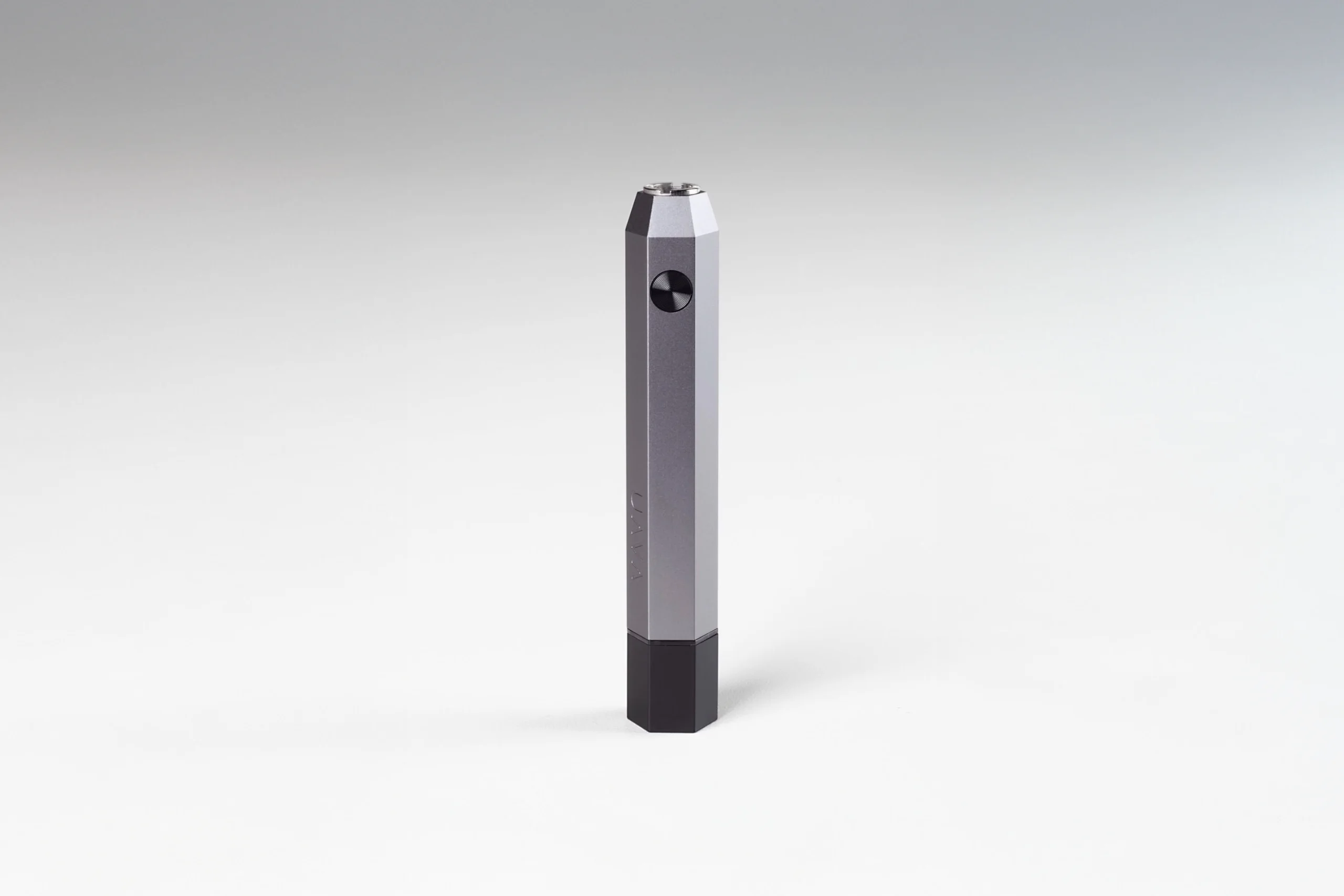
The UAVA
The flagship 510-thread vape battery. Variable voltage, USB-C charging, preheat mode, and a compact form built for daily use.
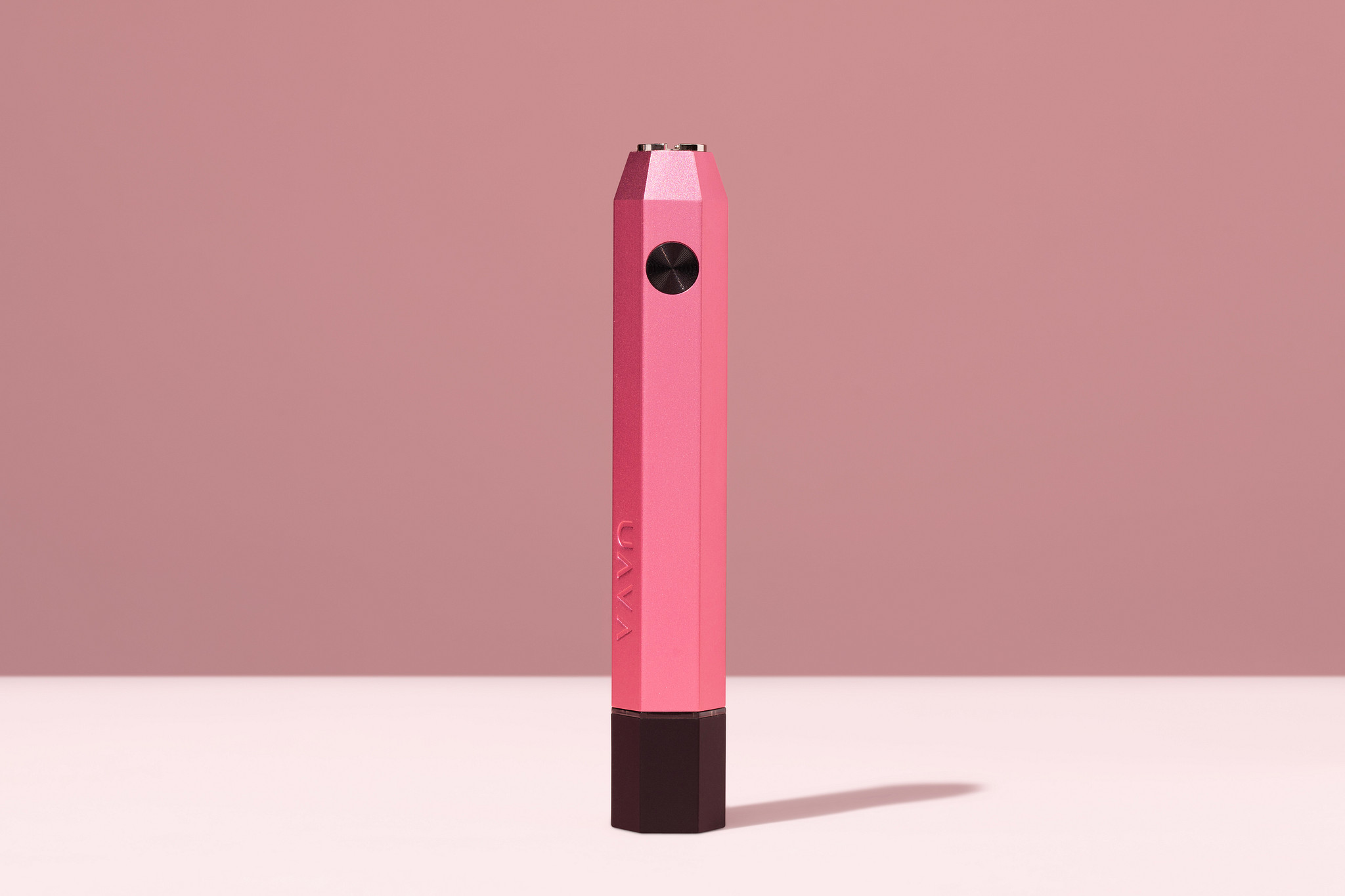
The UAVA Pink
All the performance of The UAVA in a bold pink colorway. Same reliable 510-thread connection, same precision voltage control.
Frequently Asked Questions
How do I clean 510 battery contacts without damaging the battery?
Use isopropyl alcohol at 90% concentration or higher on a cotton swab — damp, not dripping. Gently clean the center pin and threading, then allow 30–60 seconds for the IPA to fully evaporate before reattaching your cartridge. Avoid water, acetone, or abrasive materials, which can corrode metal contacts or damage plastic components near the connection port.
Why is my 510 battery blinking and not hitting after I attach a cart?
Rapid blinking when you press the fire button usually signals a connection error — the battery can’t detect a proper circuit with the cartridge. Before assuming the battery or cart is defective, clean both the battery’s 510 contacts and the cartridge’s threading with an IPA-dampened swab. This resolves the majority of blinking connection errors in the 510 category.
How often should I clean my 510 battery contacts?
For regular daily users, a quick contact clean every one to two weeks is ideal. If you swap cartridges frequently or carry your battery in a pocket where lint can accumulate, clean more often. You should also clean immediately any time you notice weaker-than-usual hits, a blinking connection error, or visible residue on the center pin or threading.
Can dirty contacts cause my 510 battery to lose charge faster?
Yes — a compromised connection forces the battery’s circuitry to work harder to push current through increased resistance, which can accelerate battery drain per session and, over time, contribute to reduced overall battery capacity. Keeping contacts clean is one of the simplest ways to protect long-term battery health and charge retention.
Does cleaning 510 contacts improve preheat and variable voltage performance?
Significantly. Residue on the center pin or threading introduces electrical resistance that effectively reduces the voltage your cart receives — meaning your selected voltage setting may be delivering less power than intended. Clean contacts ensure that preheat mode and each variable voltage tier perform exactly as designed, giving you consistent, accurate heat output on every setting.
What’s the best way to prevent oil buildup on 510 battery contacts?
Store your battery upright or horizontally — never inverted with a loaded cart, as this encourages oil migration toward the connection point. Don’t over-tighten cartridges. Wipe the cart’s threading with a dry cloth before each swap. Keep the battery’s 510 port covered or cased when not in use to prevent lint accumulation. These habits dramatically slow the buildup that causes connection problems.
Clean Contacts. Full Power. Every Session.
You’ve got the technique — now make sure you’ve got a battery worth maintaining. The UAVA and UAVA Pink are built for consistent performance, variable voltage, and lasting reliability. The New Way To Wax starts with the right hardware.